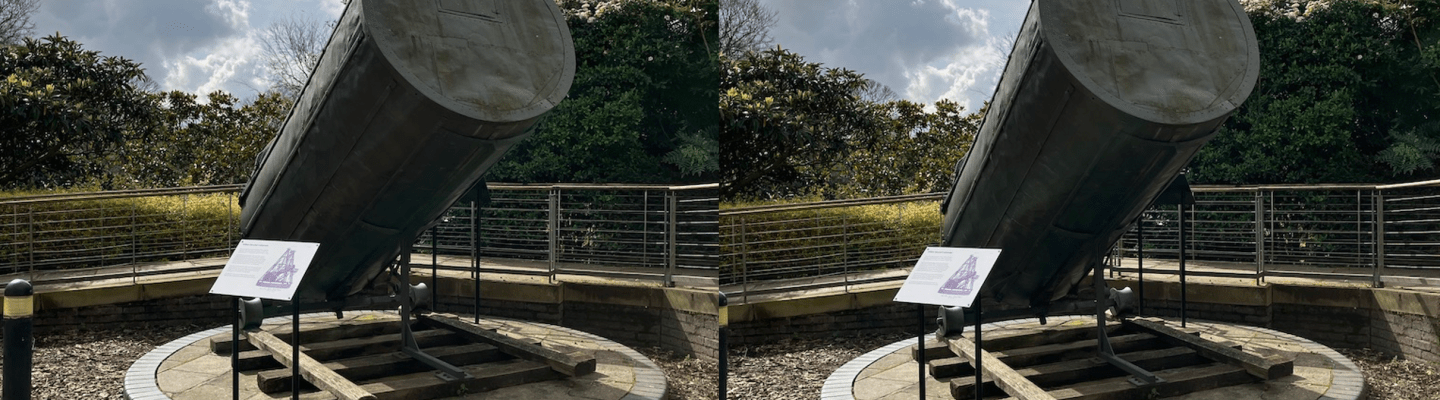


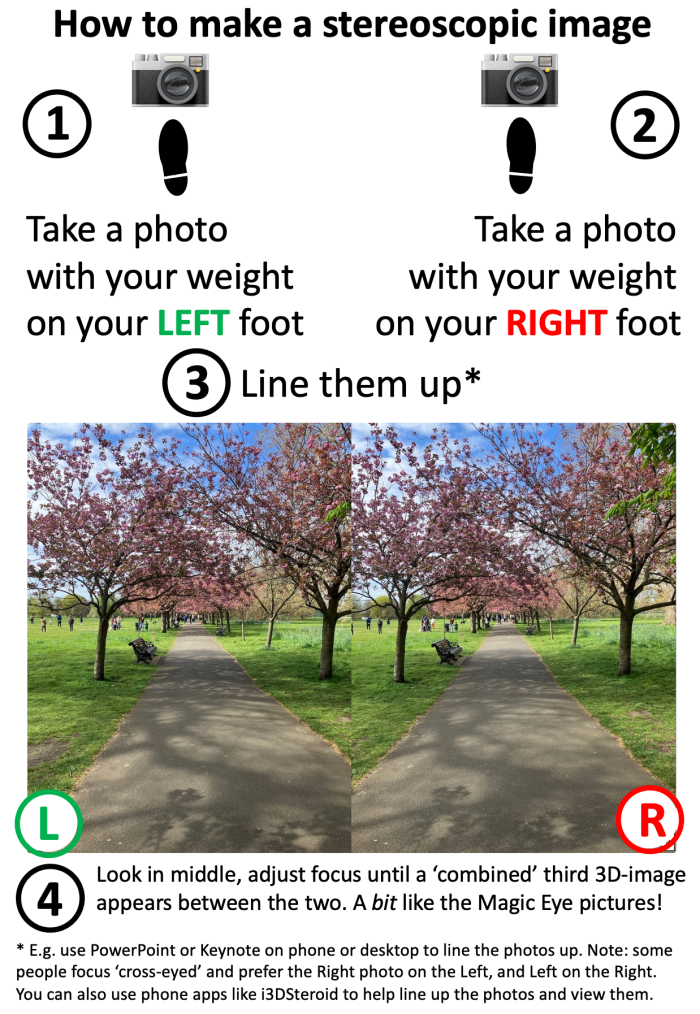
This is a nice thing to do in the holidays or the classroom: access our free Stereoscopy activity.
The activity really just involves taking two photos a few inches apart (recreating what your eyes see!) and lining them up, then adjusting your focus until the depth-perception 3D effect appears. See the summary in the poster at the top to get an idea. You don’t need any special equipment to view them.
All you need is a camera and a way of lining up two images. If your camera is a smartphone then the 3DSteroid (not a typo) or i3DSteroid app will do the work for you but you can also use any editing software such as Keynote or PowerPoint (or Word, Google Docs, Google Slides – anything that gives you a blank page to work on). Come to think of it I expect you could upload them to Canva and use the editing window there, or download the very free Inkscape software (it’s a vector graphics package, fun to use but does have a bit of a steep learning curve).
This project is less about computer science or computational thinking and more about general ICT skills in terms of taking and manipulating (lining up) images, importing them from a device or exporting to a device. Optional might be using PowerPoint to give a presentation of several image-pairs.
The resource above includes ready-to-use stereoscopic pairs, raw images for you to line up, an explanation of what stereoscopy is and how to take photographs (making your own is definitely the most fun) and instructions on how to import / export images from a phone to a laptop or computer.
We’d love to see your stereoviews! Please share them with us on Twitter / BlueSky or by email, thank you.
Here’s the first one I ever made, taken at Bow Station.
Further reading
Subscribe to be notified whenever we publish a new post to the Teaching London Computing blog.

This blog is supported through EPSRC grant EP/W033615/1.
 Teaching London Computing: A RESOURCE HUB from CAS LONDON & CS4FN